June 1, 2025
Online Recipe Sharing: Streamline Your Meal Planning
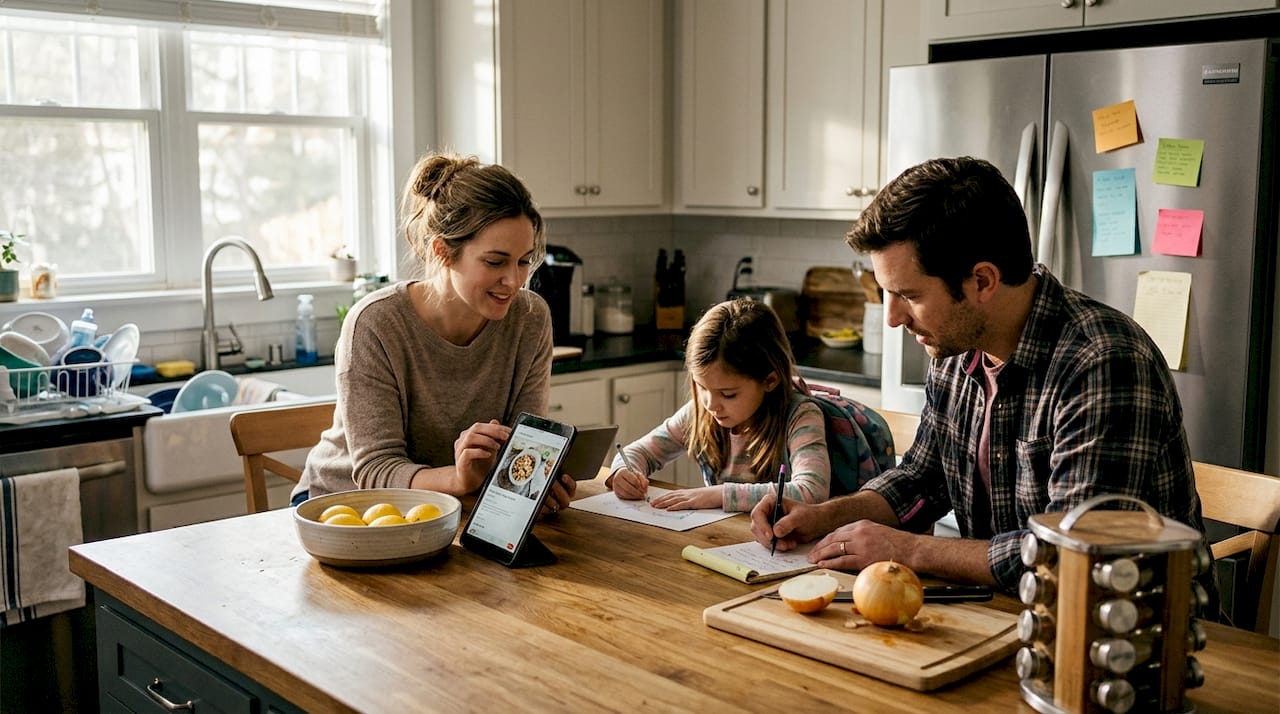
Many home cooks discover that online recipe sharing creates more chaos than convenience. You bookmark hundreds of recipes across dozens of sites, lose track of favorites, and waste time searching when you need them most. This guide cuts through the confusion by showing you exactly how to collect, organize, and leverage online recipes to transform your meal planning from overwhelming to effortless.
Table of Contents
- Understanding Online Recipe Sharing: Definition And Benefits
- How To Effectively Organize And Collect Online Recipes
- Choosing The Right Tools And Platforms For Recipe Sharing
- Maximizing Online Recipe Sharing For Streamlined Meal Planning
- Streamline Your Recipe Sharing And Meal Planning With Mixova
- Frequently Asked Questions About Online Recipe Sharing
Key takeaways
| Point | Details |
|---|---|
| Define recipe sharing | Online recipe sharing exchanges culinary ideas through apps, blogs, and social platforms for easier cooking. |
| Organization matters | Systematic collection using categories, tags, and apps prevents recipe overload and saves search time. |
| Choose smart tools | Selecting platforms with import features, grocery lists, and intuitive design maximizes efficiency. |
| Apply to meal planning | Converting organized recipes into weekly plans reduces grocery trips and minimizes food waste. |
| Avoid common pitfalls | Overcomplicated systems and cluttered collections sabotage your cooking workflow. |
Understanding online recipe sharing: definition and benefits
Online recipe sharing transforms how you discover and save culinary inspiration. Online recipe sharing enables users to exchange and collect recipes through websites, mobile apps, and social media platforms. Instead of flipping through cookbooks or scribbling notes on paper, you access thousands of dishes instantly from food bloggers, professional chefs, and fellow home cooks worldwide.
Popular platforms include Pinterest boards where users pin visually appealing recipes, cooking forums like Reddit's recipe communities, Instagram accounts showcasing step-by-step videos, and dedicated food blogs offering detailed instructions. Each platform brings unique advantages. Pinterest excels at visual discovery, forums provide community feedback and substitution tips, while blogs deliver comprehensive background stories and technique explanations.
Sharing recipes online saves substantial time during meal planning. You skip the trial-and-error phase by reading reviews from cooks who already tested the dish. Rating systems help you identify reliable recipes quickly. Comment sections reveal helpful modifications, like dairy-free swaps or cooking time adjustments for different ovens. Collections let you group recipes by occasion, season, or dietary preference, creating personalized cookbooks tailored to your household.
Collaborative features enhance the experience beyond simple saving. You can share your favorite finds with friends planning potlucks, create joint meal planning boards with family members, and discover new cuisines through community recommendations. This social aspect introduces you to recipes you might never encounter through traditional cookbooks.
Pro Tip: Start by bookmarking your favorite recipe sources to build a personalized library early on. Create a simple folder structure in your browser or notes app organized by meal type before exploring advanced tools. This foundation prevents the overwhelming backlog that derails many beginners.
How to effectively organize and collect online recipes
Turning scattered online recipes into a functional collection requires deliberate organization strategies. Manual methods offer a starting point. Browser bookmark folders let you categorize by cuisine, meal type, or cooking method. Digital note apps like Apple Notes or Google Keep allow copy-pasting recipes with tags for quick filtering. Spreadsheets work for detail-oriented cooks who want columns tracking prep time, ingredients on hand, and family ratings.
These manual approaches have limitations. Copying recipes risks formatting errors. Bookmark folders become cluttered quickly. Spreadsheets demand constant maintenance. Specialized apps allow importing recipes from any URL and organizing them seamlessly, eliminating tedious data entry.
| Method | Ease of Use | Import Speed | Cross-Device Access |
|---|---|---|---|
| Browser bookmarks | Moderate | Slow | Limited |
| Note apps | Easy | Very slow | Good |
| Spreadsheets | Difficult | Very slow | Moderate |
| Recipe apps | Very easy | Instant | Excellent |
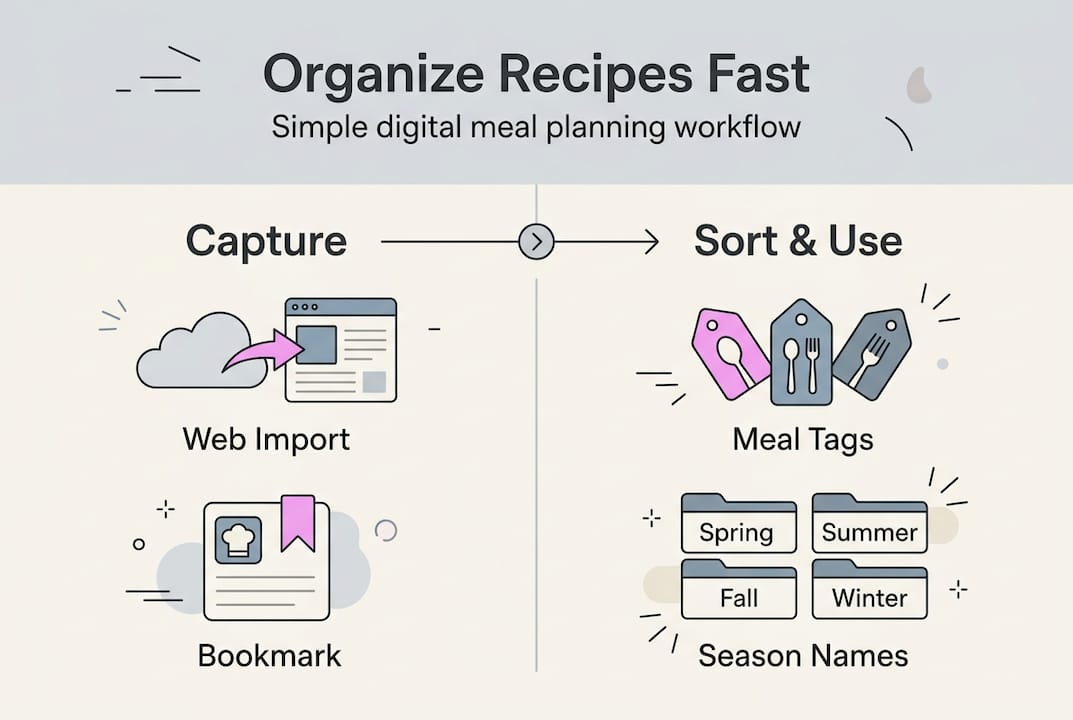
Effective organization relies on consistent criteria. Categorize recipes by meal type like breakfast, lunch, dinner, snacks, and desserts. Tag by main ingredient to answer "What can I make with chicken?" quickly. Note difficulty levels from beginner to advanced so you match recipes to available time and skill. Track prep and cook times to plan weeknight versus weekend cooking.

Seasonal tags help rotate recipes throughout the year. Mark summer recipes featuring tomatoes and zucchini separately from winter stews and roasts. Dietary tags like vegetarian, gluten-free, or dairy-free streamline meal planning for households with restrictions. Source tags remind you which food blogger or cookbook inspired each dish.
An import recipes iPhone app automates much of this categorization by extracting structured data directly from recipe websites. The app reads ingredients, instructions, cooking times, and serving sizes, then formats everything consistently regardless of source. You avoid the frustration of recipes saved in ten different layouts.
Pro Tip: Regularly review and clean your recipe collection to keep it relevant and manageable. Schedule monthly reviews where you delete recipes you realistically won't cook and highlight new favorites worth trying soon. This prevents digital hoarding that makes finding recipes harder instead of easier.
Choosing the right tools and platforms for recipe sharing
Selecting the optimal recipe platform depends on your technical comfort, cooking frequency, and collaboration needs. Evaluate platform compatibility first. Does the tool work on your iPhone, iPad, and laptop? Cloud syncing ensures recipes saved on your phone appear instantly on your computer. Offline access matters for cooking in areas with poor internet or when traveling.
Ease of use determines whether you'll actually maintain your recipe collection. Complicated interfaces with excessive features overwhelm casual cooks. Look for clean designs with intuitive navigation. Import functionality should require minimal steps, ideally just pasting a URL. Search and filter options must surface relevant recipes without complex queries.
| App | Key Features | Pricing | Platforms |
|---|---|---|---|
| Mixova | URL import, pantry matching, ingredient normalization | Free to start | iOS, web |
| Paprika | Grocery lists, meal planning calendar | One-time fee | iOS, Android, desktop |
| Yummly | AI recommendations, dietary filters | Free with ads | iOS, Android, web |
| Copy Me That | Browser extension, simple interface | Free tier available | iOS, Android, web |
Sharing capabilities matter if you cook collaboratively. Family meal planning requires multiple users accessing the same recipe library. Some apps allow creating shared collections where everyone contributes favorites. Others restrict sharing to exporting individual recipes via email or message.
Test apps through free trials or demo versions before committing. Import five recipes from different sources to evaluate how well the app handles various website formats. Create a sample meal plan to assess the planning interface. Generate a grocery list to check if the app groups ingredients logically.
User experience considerations include interface responsiveness, export flexibility, and customer support quality. Slow-loading apps frustrate you mid-recipe. Export options to PDF or text prevent vendor lock-in if you switch tools later. Responsive support helps resolve technical issues quickly.
Common pitfalls include choosing overcomplicated tools with features you'll never use. Enterprise-grade meal planning software designed for nutritionists overwhelms home cooks seeking simple organization. Conversely, bare-bones apps lacking essential features like grocery list generation force you to supplement with additional tools. Mixova app provides a comprehensive solution balancing simplicity with powerful features like automatic ingredient normalization.
Another mistake involves ignoring mobile optimization. You reference recipes while cooking, often with messy hands. Apps requiring precise taps on tiny buttons create frustration. Voice control and large, clear text improve kitchen usability dramatically.
Maximizing online recipe sharing for streamlined meal planning
Transforming your recipe collection into practical weekly meal plans requires systematic application. Follow these steps to convert digital recipes into efficient cooking routines:
- Review your schedule for the upcoming week, noting busy evenings requiring quick meals versus leisurely days allowing complex cooking.
- Select recipes matching each day's time constraints, choosing 30-minute dinners for hectic Tuesdays and elaborate weekend projects for relaxed Saturdays.
- Check ingredient overlap between recipes to minimize grocery shopping, pairing chicken dishes across multiple meals or using the same fresh herbs in several recipes.
- Generate a consolidated grocery list from your selected recipes, grouping items by store section to speed shopping trips.
- Prep shared ingredients in batches, like chopping all vegetables for the week on Sunday or marinating proteins the night before cooking.
- Adjust plans based on what's already in your pantry, swapping recipes to use ingredients nearing expiration first.
Pairing recipes strategically reduces both shopping time and food waste. If Monday's recipe uses half a bunch of cilantro, schedule Wednesday's dish requiring the remaining cilantro. Buy whole chickens and plan multiple meals using different cuts. Roast vegetables in large batches for use across salads, grain bowls, and side dishes throughout the week.
Pro Tip: Use built-in grocery list generators in apps to automate shopping lists. Streamlined meal planning improves cooking efficiency and reduces food waste with organized recipes. Apps automatically compile ingredients from your selected recipes, combine duplicate items, and organize by category.
Adapt plans to seasonal availability and dietary preferences. Summer meal plans emphasize grilled proteins and fresh salads, while winter focuses on hearty soups and roasted dishes. Accommodate family members' dietary needs by planning vegetarian mains with optional protein additions or gluten-free bases with traditional pasta sides.
Sync meal plans with calendar apps or set cooking reminders. Schedule notifications for defrosting frozen ingredients the night before or starting slow cooker meals before leaving for work. Digital calendars let you drag and drop recipes to different days when plans change, maintaining flexibility without losing organization.
Track successful meals and family favorites. Rate recipes after cooking to remember which dishes earned enthusiastic responses versus lukewarm reception. Note modifications that improved results, like extra garlic or reduced salt. This feedback loop refines future meal planning, gradually building a rotation of reliable go-to recipes.
Streamline your recipe sharing and meal planning with Mixova
Putting these organizational principles into practice becomes effortless with the right tool supporting your cooking workflow. Mixova simplifies importing recipes from any URL directly to your iPhone, eliminating manual data entry that consumes valuable time. Whether you discover recipes on Instagram, food blogs, YouTube cooking channels, or TikTok videos, Mixova extracts the essential information and formats it consistently in your personal library.
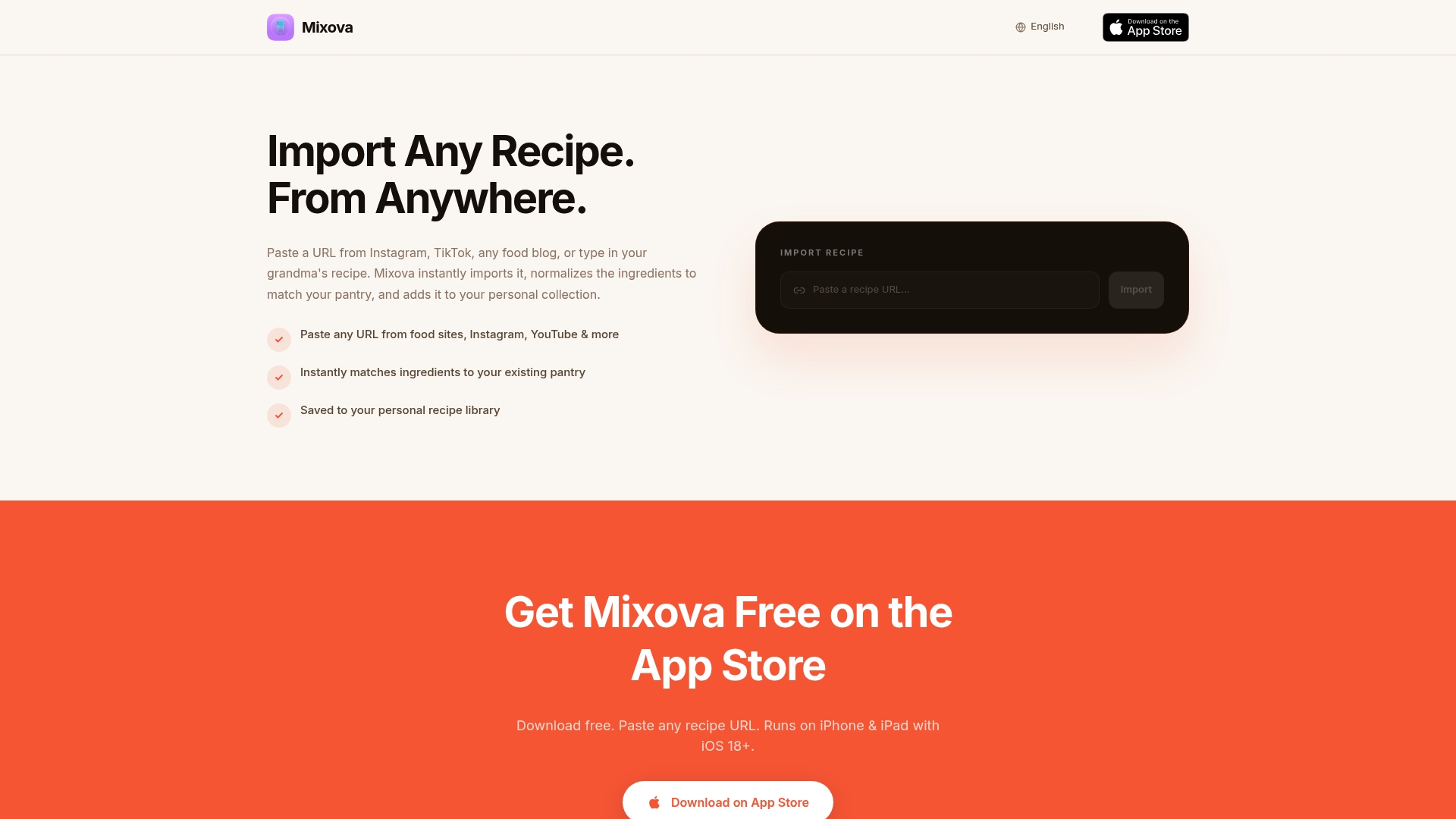
The app offers intuitive organization features that match ingredients to your existing pantry, helping you identify recipes you can cook immediately versus those requiring grocery shopping. Quick meal planning tools let you assemble weekly menus in minutes, while integrated grocery list creation links directly to your saved recipes. This seamless connection between discovery, organization, and execution transforms scattered online recipes into a cohesive cooking system. Try Mixova to experience how streamlined recipe organization enhances your culinary creativity and reduces meal planning stress.
Frequently asked questions about online recipe sharing
What is online recipe sharing?
Online recipe sharing involves exchanging cooking instructions through digital platforms like apps, websites, and social media. Users save recipes from various sources, organize them in personal collections, and often share favorites with friends or online communities.
Are recipe sharing apps secure for personal data?
Reputable recipe apps use encryption and secure servers to protect your data. Review privacy policies to understand how apps handle your information. Choose apps that don't sell user data to third parties and offer account deletion options.
How can I share my own recipes online?
Post recipes on personal blogs, submit to recipe sharing platforms, or create social media content with photos and instructions. Many apps let you manually enter original recipes alongside imported ones, building a mix of discovered and created dishes.
Can I use recipe sharing for special diets?
Absolutely. Filter recipes by dietary tags like vegan, keto, paleo, or allergen-free. Many platforms allow creating custom tags for household-specific needs. Search functions help locate recipes meeting multiple dietary criteria simultaneously.
What are the best free tools for beginners?
Mixova offers free recipe importing to start building your collection without upfront costs. Copy Me That provides a generous free tier with basic organization. Yummly delivers free recipe discovery with ads, suitable for exploring before committing to paid options.
Try Mixova for free
Import any recipe from Instagram, TikTok, or any food blog in seconds.